Video Pre-Production Checklist: Complete Workflow, Explained
by Jacob Trussell—7 min read
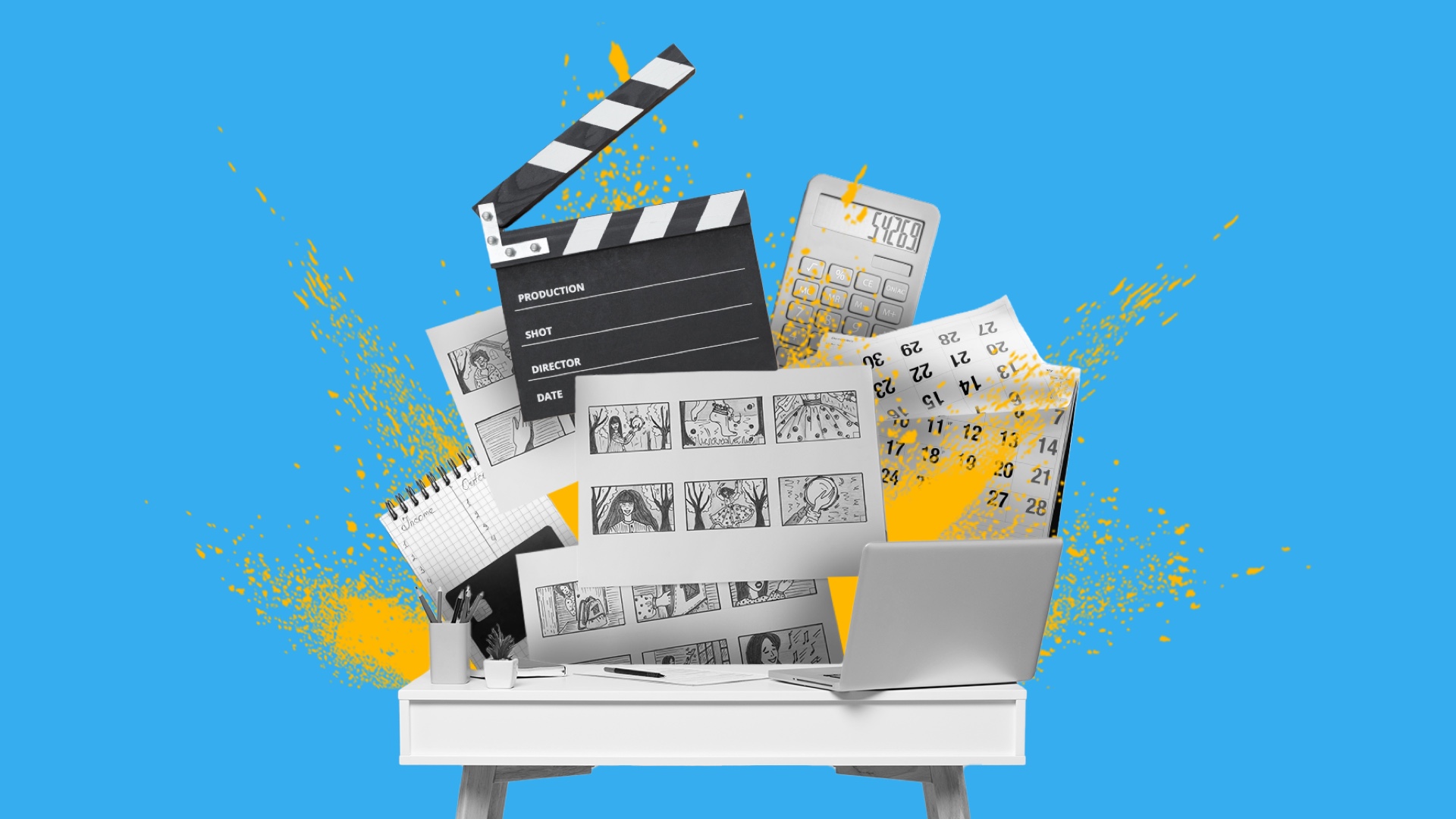
Pre-production may not have the stressful excitement of a shoot or the getting-to-the-finish-line magic of post-production, but it’s a crucial part of any shoot. So many problems can be solved in advance, and future headaches are avoided with proper planning.
In order to make pre-production a success, which will then set the rest of the process up for success, it helps to take a methodical approach. Pre-production planning is a whole lot easier when you have a handy video pre-production checklist.
What Is Pre-Production?
Pre-production is the planning stage of video creation where all creative, technical, and logistical details (like casting, budgeting, and location scouting) are finalized before filming begins. It ensures the entire video production process runs smoothly, stays on budget, and aligns with your campaign’s creative and performance goals.
How Long Does Pre-Production Last?
It depends on the scope of the project. For a movie, pre-production can take 3 to 7 months, depending on the complexity of the shoot, effects, etc. For a short video or commercial, pre-production usually lasts up to two weeks. But a few days are not uncommon for a short video.
Even then, different teams’ involvement can be staggered so that the camera crew, for example, is only involved for a short half-day scout, while other departments, like artwork, are involved for a week if a set needs to be built.
Now, let’s dive into the video pre-production workflow.
1. Establish a Budget
Rather than just going wild with an idea and then having to scale it back because it’s not practically achievable, it makes more sense to start with a firm budget and work with that.
Understanding the video production costs front will save a lot of time and later disappointment. It may also provoke some good ideas when you know your constraints.
2. Define Your Goals & Distribution Channels
What do you want this video to do or say? Is it to reinforce your brand story or testify to a particular product’s usefulness? Is it tied to a specific date or holiday? Is it going to look highly polished and effects-heavy, or is it more authentic-seeming user-generated content (UGC) or UGC-style content?
Similarly, its style will differ depending on its distribution channel. Is it going to live on TikTok, Facebook, Instagram, or somewhere else? Each platform has its own style and audience.
Related: Social Media Video Ad Specs & Placements
3. Identify Your Audience
Who are you trying to reach? Is your audience younger or older, differentiated by gender or some other demographic quality? Is it a broad, four-quadrant (old, young, male, female) audience you’re trying to reach, or are you targeting a specific niche? Is your product aimed at solving issues faced by a specific group?
It’s important to know exactly who you’re trying to reach for your video marketing campaign.
4. Develop Your Message
Now that you know who your spot is aimed at, decide how best to reach them. Is your message:
- That you offer a unique solution?
- That you have testimonials showing how your product or service works?
- That your brand is trustworthy, and do you want to create a general goodwill-building spot?
Or is it something else? The message you want to deliver will dictate the type of video you want to create.
5. Select the Type of Video
Once you know all the above, it should be easy to decide what type of video addresses those needs. Is it:
- UGC-style content?
- An animated explainer video?
- A mini-doc that goes behind the scenes of your brand or its manufacturing processes?
Do you want to be able to produce a few videos from one shoot? These are important questions to know before you start storyboarding.
6. Storyboard Your Concept
A storyboard is a comic-book version of your project. It shows shot by shot how the camera will move, how the shoot will be blocked (meaning staged), and where graphics and titles will be interspersed. It’s a great reference tool that allows every crew member to see what needs to be done.
7. Write Your Script
Even the most spontaneous-looking videos are planned. Along with your storyboard, the script is a blueprint for the shoot, comprising:
- Overall concept
- Cast descriptions
- Dialogue
Keep it concise. On digital platforms, attention drops after 3 seconds, so get to the point fast.
Learn More: How to Write a Video Script
8. Location & Equipment Selection
The location has important creative but also logistical ramifications for your shoot. Some questions:
- Is it easily accessible?
- Simple to set up in?
- Does it provide adequate natural light?
- Will it involve audio issues like passing heavy traffic?
- Are permits required?
Equipment selection, too, will affect the look and feel of your shoot.
- Within your budget, what’s the camera that will give you the best quality footage?
- Do you need one that’s extra nimble or has specific niche uses like a GoPro, or can you just use a phone or prosumer model?
- Is sound particularly complicated to mic?
Learn more about the ins and outs of location scouting.
9. Casting & Talent Selection
Casting brings your concept to life. Whether you use professional actors or real customers, representation and authenticity matter. Some questions to consider here may include:
- Do you want a professional or a natural talent?
- Is there room for diverse casting?
- Does your cast need specific talent like singing or dancing, which could involve a longer audition process?
Diverse casting helps audiences connect emotionally and ensures your video reflects your brand values.
10. Create a Schedule
Your budget and the complexity of your shoot will dictate a schedule. Longer is more expensive, of course.
- Can you reasonably get all your shots in one day?
- Do you need to include travel time to get to multiple locations?
- Do you have specific needs like night shooting?
You can schedule by the hour so you know you’re on track. Some even by the quarter-hour if you really want to stay on top of things.
How QuickFrame AI Streamlines Pre-Production
Great campaigns start with smart planning—and QuickFrame AI helps you turn that plan into finished creative fast. Once your pre-production checklist is complete, use QuickFrame AI to generate professional, on-brand video ads with music, narration, and visuals that fit your brief. Then publish directly to MNTN, Meta Ads Manager, TikTok Ads Manager, or Google Ads Manager to launch your campaign seamlessly.
Turn your pre-production prep into ad-ready video creative with QuickFrame AI.
Video Pre-Production Planning: Final Thoughts
Pre-production isn’t just a checklist. It’s the blueprint for how your brand story gets told. When strategy, creative, and logistics align, every second of video works harder for your marketing goals.
Whether you’re creating social shorts or launching your first Connected TV advertising campaign, QuickFrame by MNTN helps marketers plan smarter, produce faster, and deliver performance-driven creative at scale.