AI Video Generator for Facebook: Complete Guide
by Daniel Stock— min read
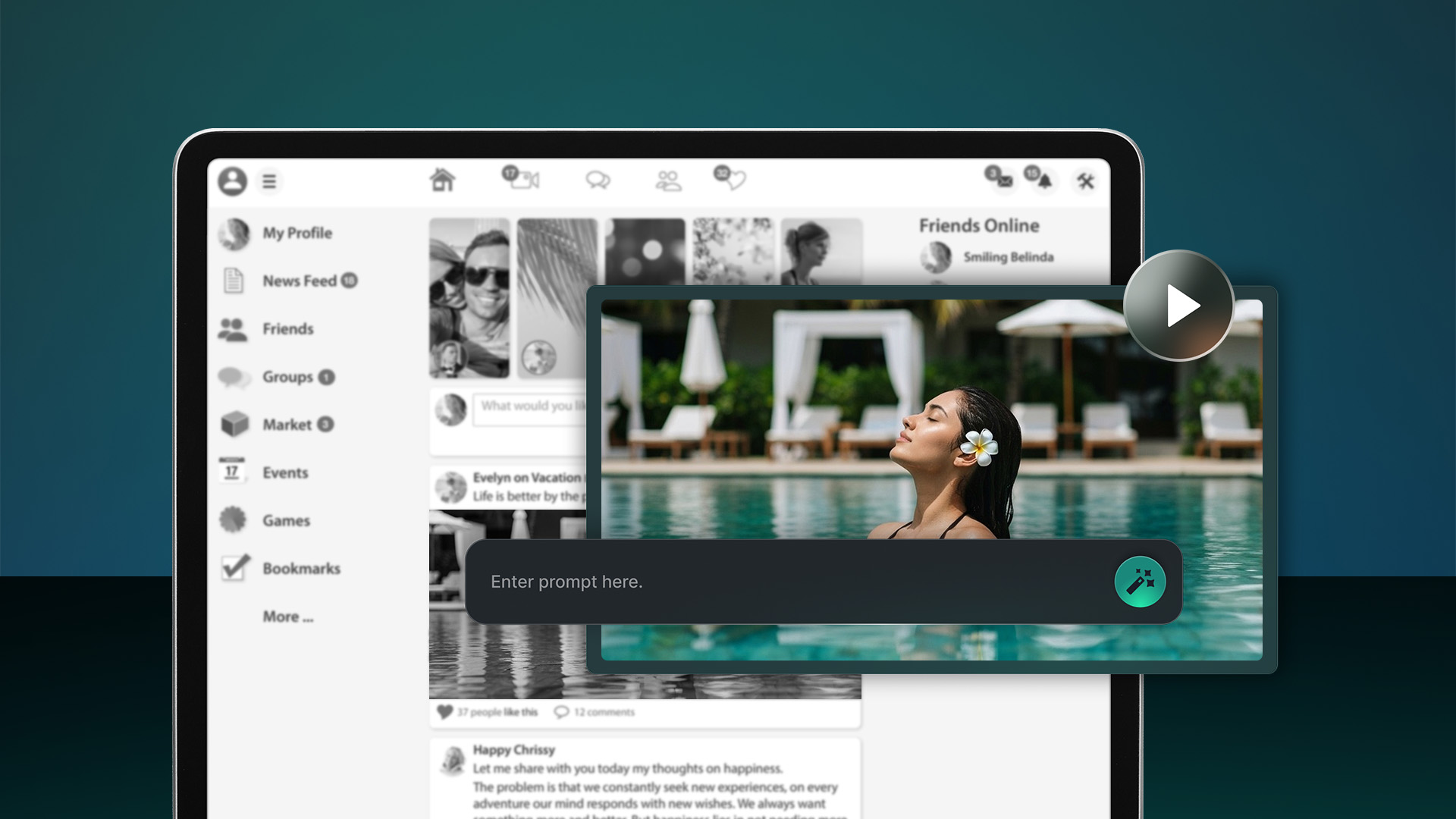
Posting video ads to Facebook and other social media platforms can help your brand stand out and catch the eye of the right audiences. However, making videos from scratch is tedious and time-consuming. Outsourcing the work can be expensive, meaning less money to spend on running your ads.
An AI video generator for Facebook allows you to avoid these video production headaches and create better content faster. You are in control and can build engaging content with a few clicks and a few clever prompts. Our guide unpacks everything you need to know about kicking off your first Facebook ads campaign using AI. Let’s dive in.
What Is an AI Video Generator for Facebook?
An AI video generator allows you to produce high-performing video content for Facebook without high-end cameras, fancy software, or expensive production teams. This software automates the most tedious aspects of creating videos, such as filming, voiceovers, and post-production editing.
Benefits of Facebook AI Video Generation
Using an AI video generator can take your Facebook marketing to the next level by providing:
- Faster production
- Lower cost of video production
- Better creative testing
- Optimization for Facebook video ad specs
- Consistent branding
- Scalable personalization
Now, let’s take a look at how it works.
How Facebook AI Video Generation Works
Learning how to make an AI video doesn’t have to be intimidating. QuickFrame AI makes things incredibly easy while giving you full creative freedom.
Step 1: Choose a Style
Kick off your Facebook campaign by picking the perfect Style. Consider this your creative blueprint that locks in the entire look and feel before you type a single prompt. Style selection affects:
- Format: Sets the ideal aspect ratio and duration so your ad fits Meta’s specs out of the gate.
- Cinematography: Camera angles, pacing, and transitions follow the Style’s creative direction.
- Tone and Feel: Colors, mood, and atmosphere are preset to match the emotion of your message.
- Story and Structure: Narrative flow, pacing, and scene order ensure your message unfolds in a way that resonates.
- Music: Melodies, rhythms, and audio direction that match the Style’s mood and pacing.
- Voiceover: Narration style and tone are pre-matched to the Style so your message lands with an authentic brand voice.
Pick the options that best align with the intent of your marketing campaign and your brand voice.
Related: Convert Text to Video With AI: Beginner’s Guide
Step 2: Build a Brand Profile
With QuickFrame AI, you simply need your website’s URL to build a profile, including your logo, fonts, and brand description. Other platforms often require you to upload individual marketing assets and documents. We’ve streamlined the process by just requiring a URL.
However, if you want to upload your own assets, such as pictures of products that you want featured in the video, you’re welcome to do so.
Step 3: Generate Your Video
Generate the video, grab a quick coffee, and let the AI do its thing. Within a few minutes, you’ll have a great-looking and engaging video for your next social media ad campaign.
Related: Convert Image to Video With AI: Beginner’s Guide
Step 4: Edit and Refine
Not completely satisfied with the output? Close, but not all the way there? In QuickFrame AI, you can switch between two editing workspaces: Story for high-level flow adjustments and Editor for precise control.
Start in the Story tab to shape your video’s narrative arc. Here, you can:
- Reorder scenes by dragging and dropping to optimize pacing for Facebook’s quick-scroll environment.
- Insert a new blank scene with + Add Scene or remove one entirely to refine the overall length.
- Swap visuals in any scene via Replace, pulling from AI-generated video, Getty stock footage, your Asset Library, or fresh uploads.
- Fine-tune generative scenes with the Edit button to re-prompt for better angles, mood, or details.
- Preview the entire ad in full screen at any moment to check transitions and timing.
Once the structure feels right, shift to the Editor tab for deeper customization. This timeline-based interface lets you:
- Manipulate elements directly on the Stage canvas—select, drag to reposition, or resize for ideal framing.
- Adjust timing and layers in the Timeline by dragging bars to shift start times, extend durations, or reorder stacks.
- Access all media through the Edit Panel, which updates with options for the selected scene or element.
- Style individual components like text or logos with controls for size, style, position, and other properties.
- Hit Preview to run a seamless full-screen test, confirming every layer aligns on mobile screens.
Facebook thrives on concise ads, typically 15-30 seconds. A handful of targeted edits here can sharpen your message, boost engagement, and drive stronger ROAS.
Related: Social Media Video Ad Specs & Placements
Step 5: Publish Directly
Once finalized, videos are published directly to your connected Meta Ads Manager account for use on both Facebook and Instagram. You can also publish video ads to TikTok Ads Manager, Google Ads Manager, or MNTN Performance TV, automatically formatted to each channel’s specs.
Supported Facebook Ad Formats
QuickFrame AI generates videos optimized for the placements that drive performance. On Facebook, the following formats are supported:
Reels
9:16 aspect ratio with 15-second or 30-second durations. These publish directly to your connected Meta ad accounts and run natively in the Reels tab or as boosted ads across Facebook and Instagram.
Stories
9:16 aspect ratio at 15 seconds. When the generated video matches this spec, it’s ready to deliver through Meta Ads Manager as a full-screen Story ad—no extra reformatting required.
Best Practices for AI-Generated Facebook Videos
An AI video generator is going to do most of the heavy lifting. However, you still need to set yourself up for success by making smart selections up front and fine-tuning the content on the back end. With that in mind, make sure that you:
- Choose a style that fits your brand
- Upload pictures of your physical products if you want them featured
- Create a focused prompt that aligns with the goal of your campaign
- Make some minor adjustments to achieve the ideal style and vibe
- Time your posts for maximum reach and engagement
No one knows your audience better than you do. Before you publish a video or put it in the queue, consider whether the content matches what people have come to expect from your brand. Consistency matters to consumers. When you deliver on that front, you can build lasting relationships and build on the momentum of previous content.
Common Mistakes to Avoid When Making AI Videos
When creating video marketing content with AI, look out for these mistakes:
- Using the wrong video format
- Adding too much text
- Using too many generic visuals
- Creating videos that are too long
- Using a low-quality AI generator
- Failing to localize content
Make sure that you test a few different versions before you publish. Since QuickFrame AI can create videos in minutes, there is no reason not to try multiple versions in test groups.
Why QuickFrame AI Is Built for Facebook Advertisers
Facebook ads demand creative that’s clear, fast, and built for every placement. With QuickFrame AI, you can generate polished, on-brand video ads for Facebook in minutes, complete with music, captions, and your brand’s look and feel. Refine your creative in Story or Editor, then publish directly to Meta Ads Manager to launch campaigns that perform across the feed, Stories, and beyond.
Create Facebook-ready video ads at speed with QuickFrame AI.
Best AI Video Generator for Facebook: Final Thoughts
AI video generation allows you to create more videos faster. Instead of spending days or weeks building one video, you can generate dozens of content options in minutes. Tools like QuickFrame AI make it simple to build, test, and publish video ads on social media. Expand your reach with an artificial intelligence video generator.
Need help with other networks? Check out our AI video generator for social media.