Video Post-Production Editing: Complete Workflow, Explained
by Jacob Trussell—6 min read
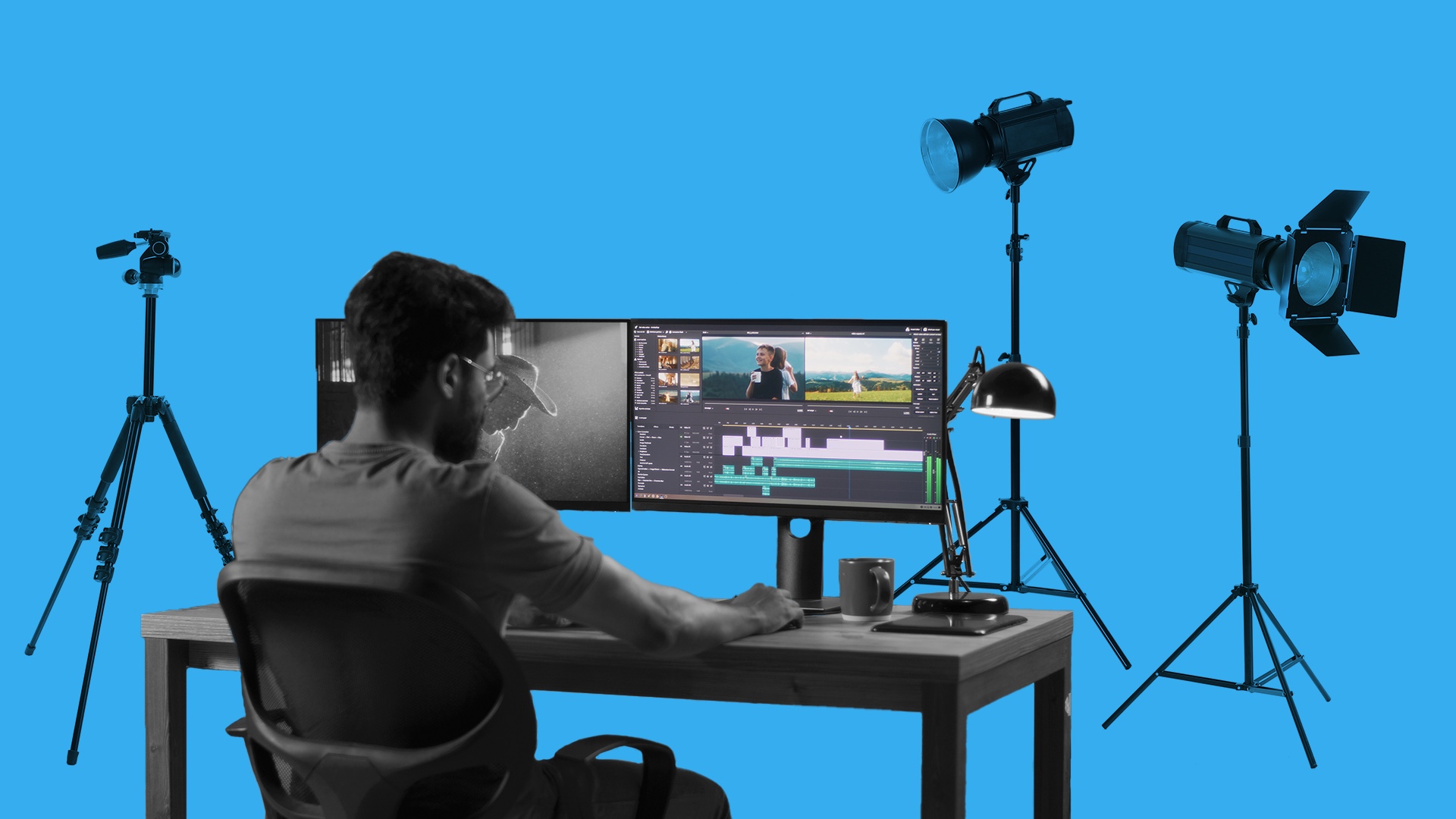
Post-production has always been one of the most critical, but often misunderstood, phases of the video production process. In 2025, it’s also one of the most data-driven, as well.
As AI-enhanced tools and performance analytics shape creative decisions, marketers who master video post-production aren’t just creating polished content; they’re maximizing ROI.
What is Post-Production?
Post-production is the stage where raw footage becomes polished, purpose-built creative ready to drive performance. It’s where storytelling, strategy, and data meet, turning your video into content that looks sharp, sounds seamless, and converts across every screen.
How Long Does Post-Production Last?
This really depends on how complex your project is and your schedule for the completion of the project.
The good news is that post-production tools are getting more and more efficient, particularly with the development of AI. That means faster post-production, but also more avenues for creative exploration and trial and error. You could try differently paced cuts, various music choices, and different graphics, and still make your release deadline.
Now, let’s dive into the actual post-production editing workflow.
Learn more about the stages of video production.
Phase 1. Collect & Organize Footage
Before the creative work begins, every clip, audio file, and graphic is logged, labeled, and organized for an efficient workflow. This stage ensures editors can move quickly between takes and formats, whether you’re building a 15-second Connected TV spot or a long-form brand film.
A clean, well-structured media library saves time later and helps teams stay focused on storytelling and performance.
Phase 2. Editing the Content
Editing shapes the story from raw footage into a cohesive, engaging narrative. Picture editing usually passes through a few stages as cuts progress from rough to smooth.
The editor starts by selecting the best takes of each performance. Editors incorporate feedback from the director, producers, and customers until the edit is smooth.
Phase 3. Picture Lock
Picture lock marks the point where your edit is finalized. No more trimming, rearranging, or swapping shots. It’s the creative green light that allows teams to move confidently into sound design, color, and graphics, knowing every frame is in its final place.
For marketers, achieving picture lock early keeps campaigns on schedule and ensures post-production resources are focused on polish and performance, not revisions.
Learn more about the cost of video production.
Phase 4. Edit Sound & Add Music
Audio adds emotion, energy, and polish to your content. From cleaning dialogue to layering sound effects and choosing the right track, this step ensures your message sounds as sharp as it looks. Editing sound can include:
- Re-recording lines that weren’t perfectly recorded the first time around
- Adding sound effects
- Adding voiceover
Adding music can really change a project’s feel and emotion, so it’s worth spending time trying a few different options to get this right.
Phase 5. Adding Visual Effects
Visual effects and motion graphics elevate your content from memorable to unmissable. Visual effects run the gamut from light airbrushing or taking out distracting details, or adding green-screened backgrounds, to adding digital and CGI creations.
With AI-assisted VFX tools now commonplace, marketers can generate dozens of on-brand variations (think dynamic end cards, localized overlays, or product-focused zooms) and A/B test them at scale without blowing the budget.
Phase 6. Sound Mixing
Sound mixing is the art of making sure that all the elements of an audio track are properly balanced and audible: dialogue against music and sound effects. It’s also about making sure there are no sudden jumps in volume or other jarring effects.
A well-mixed track keeps your message clear and your brand sounding professional.
Phase 7. Color Correction & Grading
This final visual pass defines your brand’s on-screen tone and aesthetic. Color correction evens out exposure and lighting; color grading adds style, emotion, and continuity across shots.
Related: Social Media Video Ad Specs & Placements
How QuickFrame AI Streamlines Post-Production Workflow
Post-production doesn’t have to slow you down. With QuickFrame AI, you can move seamlessly from generation to final edit in one platform. Refine every scene using the Story and Editor tools, add music and voiceover, and ensure brand consistency, then publish directly to MNTN, Meta Ads Manager, TikTok Ads Manager, or Google Ads Manager for ad-ready delivery.
Streamline your post-production process with QuickFrame AI.
Video Post-Production Process: Final Thoughts
If you’re wondering how to make the most of the critical phase of video post-production during content creation, get in touch with QuickFrame. We’re experts at getting the most out of your resources and making sure the campaign is connecting as you want it to. Get in touch to talk about your campaign’s post-production today.