AI Video Generator for Products: Complete Guide
by Daniel Stock— min read
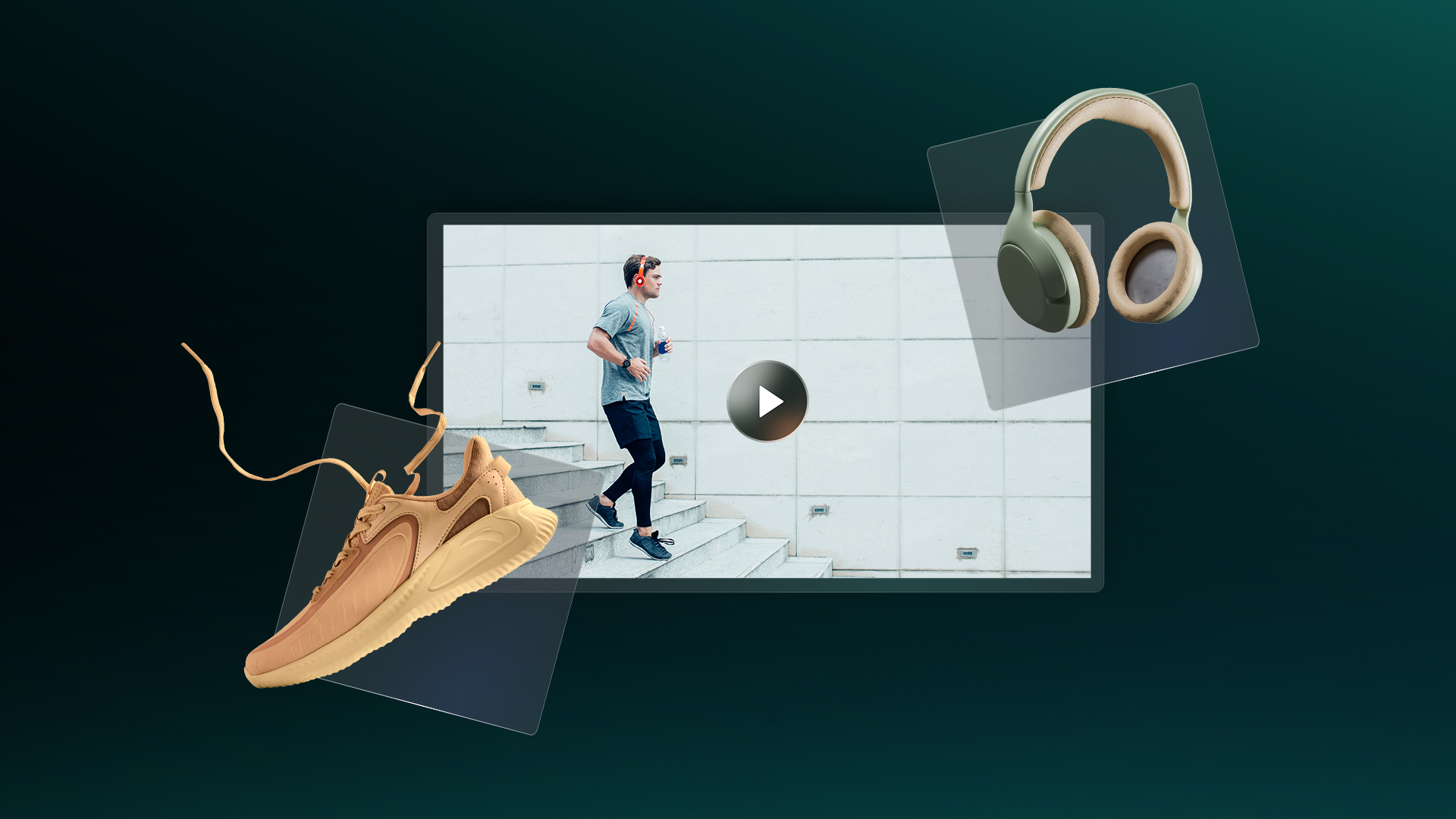
Ready to show off your latest product or garner more attention for an existing item in your lineup? A high-quality video production is one of the most effective ways to showcase your offerings and generate buzz. However, creating an individual video for every product you want to market can be tedious, time-consuming, and costly.
An AI video generator for products reduces the amount of time it takes to create video content while allowing you to scale up your visual marketing efforts. Here’s everything you need to know.
What Is an AI Video Generator for Products?
An AI video generator for products is a platform that uses artificial intelligence to create product videos in minutes. It simplifies production so teams can generate polished, on-brand videos at scale without heavy lifts or specialized tools.
Benefits of Product AI Video Generation
Using an artificial intelligence video generator offers significant advantages, including the following:
- Faster Production: Create videos in minutes instead of days or weeks
- Lower Costs: No need for film crews, studio, or complex post-production
- On-Brand Consistency: Apply your fonts, colors, and product images to every asset
- Scalability: Generate multiple variations for A/B testing with ease
- Overcome Creative Roadblocks: Not sure exactly what you need? Write a vague prompt and see what the AI comes up with.
Everyone understands the value of video, but many are unable to tap into these benefits due to resource limitations. That’s where AI is changing the game.
How Product AI Video Generation Works
Learning how to make an AI video might sound intimidating, but QuickFrame AI makes it incredibly easy for even the busiest of marketers. Here’s how it works:
Step 1: Choose a Style
Every great video marketing campaign starts with a creative direction. QuickFrame AI allows you to choose from a library of themes and then select from the following options:
- Story and Structure: Narrative flow, pacing, and scene order ensure your message unfolds in a way that resonates.
- Voiceover: Informs the voice style, narration tone, and script delivery to match the overall concept.
- Music: Melodies, rhythms, and audio direction that match the mood and pacing of your ad.
- Cinematography: Camera angles, pacing, and transitions follow the Style’s creative direction.
- Tone and Feel: Mood, colors, and atmosphere preset to evoke the right emotion for your message.
- Format: Preset aspect ratios and durations built into the Style that support the most popular ad platforms
Related: Convert Text to Video With AI: Beginner’s Guide
Step 2: Build a Brand Profile
Before generating your first video, QuickFrame AI needs to understand your brand. This takes just a few seconds:
Enter your company’s website URL and click Compile brand profile.
QuickFrame AI will automatically pull key assets directly from your site, including your logo, fonts, and brand description and make them available in your workspace.
And if you want to add more assets, such as images or product photos to be featured in your videos, you can do that as well.
Step 3: Generate Your Video
Once you’ve built your profile and chosen your style, let the artificial intelligence go to work. QuickFrame AI will generate a complete video in minutes. You can even ask it to regenerate the content, giving you an additional version to try out.
Related: Convert Image to Video With AI: Beginner’s Guide
Step 4: Edit and Refine
QuickFrame AI delivers a polished, on-brand video in minutes, but the real magic happens when you add your team’s expertise. A few targeted tweaks can elevate performance, sharpen messaging, and make sure every frame drives results.
QuickFrame AI gives you two powerful editing environments: Story for big-picture flow and Editor for pixel-perfect control.
In Story, you can:
- Preview your full ad anytime to check pacing, transitions, and overall impact
- Add or remove scenes to nail your target duration
- Reorder scenes with drag-and-drop to build the exact rhythm your audience responds to
- Update voiceover scripts scene-by-scene to fine-tune dialogue and pacing (tone and delivery stay consistent with the Style)
- Swap visuals instantly. Choose generative video, Getty stock footage, your Asset Library, or upload new files
- Re-prompt AI-generated visuals to refine camera angles, lighting, mood, or product focus
When you’re ready for total creative control, switch to Editor.
In Editor, you can:
- Use the Timeline to extend or trim element durations, shift start times, and reorder layers
- Position and resize elements directly on the Stage with click-and-drag precision
- Layer in text, logos, shapes, images, or additional video clips over your scenes
- Customize style, font, color, size, position, and other properties for any selected element
- Pull assets instantly from your Asset Libraries: imported, uploaded, generated, or stock media
- Preview full-screen as often as needed to ensure every second lands perfectly
Small refinements here, especially in the first 3–5 seconds, routinely boost completion rates and downstream conversions.
Related: Social Media Video Ad Specs & Placements
Step 5: Publish Directly
After editing, you can publish your video directly to your connected ad platforms. QuickFrame AI supports auto-formatting for connected channels like YouTube (via Google Ads), TikTok, Instagram, and Facebook (via Meta Ads Manager). You can publish to multiple ad platforms at once, with QuickFrame AI automatically formatting your video to each one’s specifications.
Supported Ad Platforms for Product Promotion
Modern AI video generators are built for multi-channel advertising. QuickFrame AI supports the following channels:
YouTube
The undisputed leader in video reach. Whether you’re driving brand awareness with skippable in-stream or hitting mid-roll viewers or locking in attention with non-skippable 15-second verticals, QuickFrame AI sends the right cut every time.
Supported formats include:
- 16:9 – 30 seconds (Skippable)
- 16:9 – 15 seconds (In-Stream, Skippable/Non-Skippable)
- 9:16 – 15 seconds (Non-Skippable, Vertical)
Related: AI Video Generator for YouTube: Complete Guide
Three billion monthly active users and counting—Facebook remains a conversion powerhouse for brands that know how to cut through the feed with short, thumb-stopping creative.
Supported formats include:
- 9:16 – 30s (Reels)
- 9:16 – 15s (Reels, Stories)
Related: AI Video Generator for Facebook: Complete Guide
Visual-first, mobile-first, results-first. Reels and Stories are where attention lives today, and paid amplification on Instagram lets you own the moment your audience is most engaged.
Supported formats include:
- 9:16 – 30s (Reels)
- 9:16 – 15s (Reels, Stories)
Related: AI Video Generator for Instagram: Complete Guide
TikTok
The platform that redefined short-form doesn’t have to complicate your workflow. QuickFrame AI handles the technical specs so you can launch native-feeling paid campaigns at performance speed.
Supported formats include:
- 9:16 – 30s (In-Feed, Top View)
- 9:16 – 15s (In-Feed)
Related: AI Video Generator for TikTok: Complete Guide
MNTN Performance TV
Connected TV is where attention meets intent. Publish your spots directly into premium streaming inventory and measure every view against site visits and conversions with Verified Visits™.
Supported formats include:
- 16:9 – 30 seconds
- 16:9 – 15 seconds
Product Use Cases for AI Video Generation
Who should be using an AI video generator for products? Here are some key use cases:
E-Commerce & Retail
Retailers can effortlessly update product videos for their entire ad campaign. Use QuickFrame AI to create:
- Product highlight reels
- Content for clearance or sale promos
- Comparison videos
- New arrival spotlights
- Multi-product catalog videos
DTC Brands
Direct-to-consumer brands thrive on experimentation. You need to make sure your video is going to hit home with your target audience. Since AI allows you to create multiple video variations in minutes, you can test out different messaging, music, and CTAs. Use what works, throw out what doesn’t, and improve the impact of each piece of content.
Tech & SaaS
If you work in the tech space, you need to ensure your videos are clean, crisp, and user-friendly. Use QuickFrame AI for:
- Feature explainers
- Onboarding clips
- Product updates
- Launch announcements
Answer common buyer questions and leave no doubt about the value that your product delivers.
Agencies
Creative agencies use AI to scale their output without hiring more team members. With the power of artificial intelligence at their fingertips, marketing firms can:
- Generate ad concepts quickly
- Produce unlimited variations
- Lower production overhead
- Create multiple brand profiles
AI will handle the heavy lifting of production while agencies focus on building rapport and creating a winning strategy.
Multi-Channel Campaigns
Have you ever wanted to add more campaigns to your marketing mix, but you felt limited by budget and bandwidth? QuickFrame AI removes these barriers so you can publish to multiple channels in minutes.
Best Practices for AI-Generated Product Videos
Artificial intelligence is a game-changer for product video creation. However, your creative team must still follow established best practices to deliver engaging content. Here are some tips:
- Use high-resolution product photos
- Keep messaging short and action-oriented
- Lead with your strongest value prop
- Add captions for viewers who watch with the sound off
- Choose styles that match your brand
- Test multiple variations for best results
- Use consistent CTAs
Keep your ads short and sweet for the best results. You need to grab your audience’s attention, deliver your message, and wrap things up.
Common Mistakes to Avoid When Making AI Videos
Here are some missteps that can reduce the effectiveness of your AI content:
- Packing in too much text
- Using low-quality images
- Forgetting to include proper branding
- Using generic prompts
- Publishing without testing variations or making edits
Also, make sure the video style aligns with the target audience you’re trying to reach.
Why QuickFrame AI Is Built for Product Marketing
Product videos should be fast to make—and even faster to launch. With QuickFrame AI, you can transform product visuals, feature lists, or short prompts into polished, on-brand video ads in minutes. Highlight benefits, show off key details, and fine-tune every scene in Story or Editor. Then publish directly to MNTN, Meta Ads Manager, TikTok Ads Manager, or Google Ads Manager to get your product ads live without slowing down your marketing team.
Create high-impact product videos at scale with QuickFrame AI.
Best AI Video Generator for Products: Final Thoughts
Using an AI video generator for product marketing gives you the ability to scale up your campaigns like never before. You can create better content faster and meet your audiences where they are. If you are ready to elevate your product marketing capabilities, explore QuickFrame AI today.