AI Video Generator for Advertising: Complete Guide
by Daniel Stock— min read
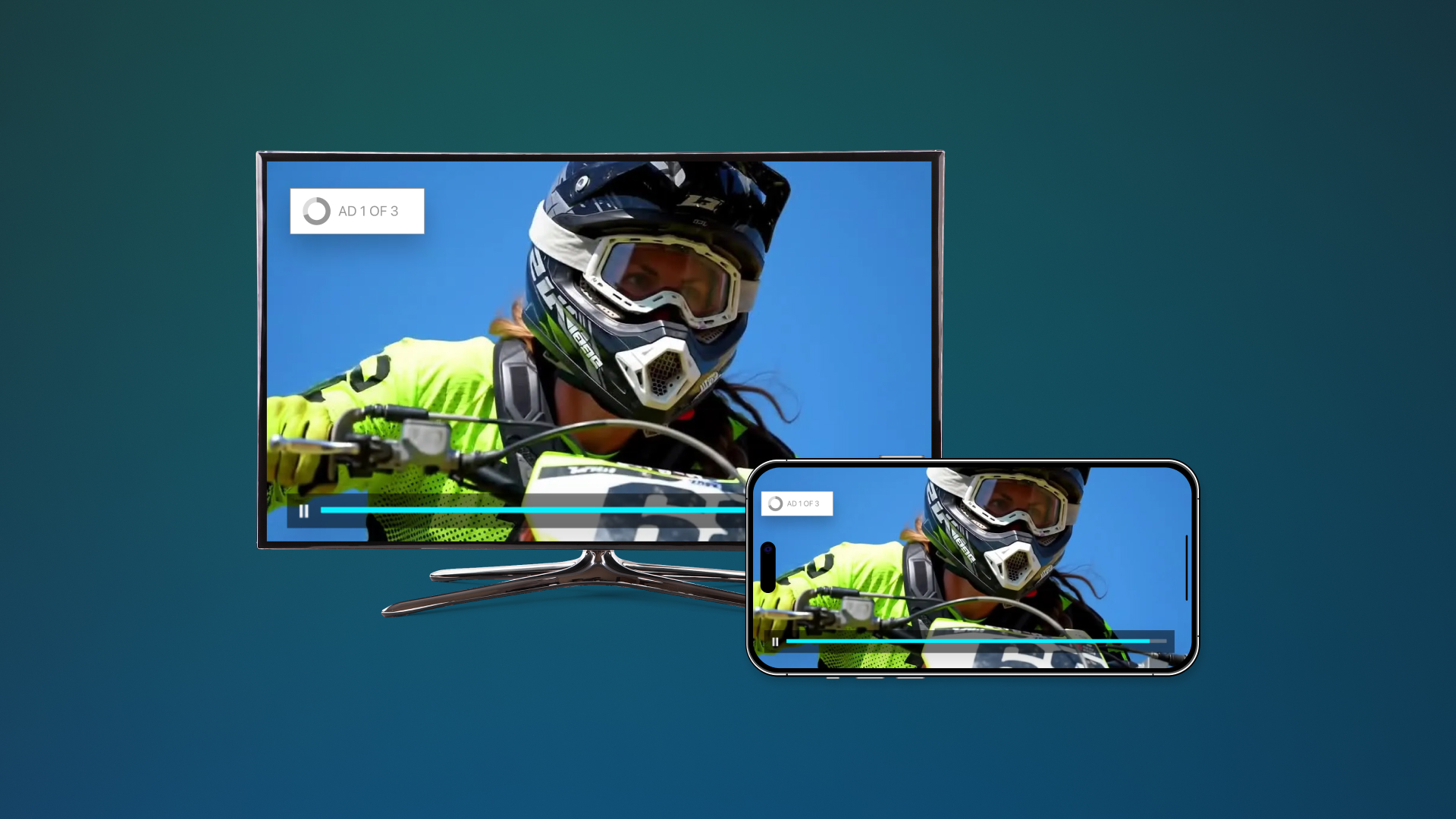
Video marketing is one of the quickest and most engaging ways to deliver your advertising messaging. However, traditional video production techniques are time-consuming and expensive. Artificial intelligence is revolutionizing the advertising landscape by enabling the rapid and high-quality generation of videos.
An AI video generator for advertising can pump out high-quality, on-brand content in minutes. That means your team can create more content, faster.
Here’s everything you need to know about using AI video for ads.
What Is an AI Video Generator for Advertising?
An AI video generator for advertising is a platform that uses artificial intelligence to automatically create ad-ready video content. It uses your brand assets and prompts to generate videos in minutes.
Benefits of Advertising AI Video Generation
Using artificial intelligence to create videos comes with several advantages. You can:
- Produce content in minutes
- Slash your video production costs
- Improve brand consistency
- Create video variations effortlessly
- Increase your volume of ad assets
- Optimize content for top platforms
The best part is, the money you save on video production can be put back into your ad campaigns to increase your reach.
How Advertising AI Video Generation Works
Learning how to make an AI video is easy with QuickFrame AI. Here’s a step-by-step breakdown of how it works:
Step 1: Choose a Style
Explore Style options by category, use case, or format to find the one that aligns with your platform and campaign goals. Each style uses its own unique blueprint that affects:
- Voiceover: Informs the voice style, narration tone, and script delivery to match the overall concept.
- Music: Melodies, rhythms, and audio direction that match the mood and pacing of your ad.
- Story and Structure: Narrative flow, pacing, and scene order ensure your message unfolds in a way that resonates.
- Cinematography: Camera angles, pacing, and transitions follow the Style’s creative direction.
- Tone and Feel: Colors, mood, and atmosphere are preset to match the emotion of your message.
- Format: Each Style has preset aspect ratios and durations (e.g., 16:9 for MNTN Performance TV, 9:16 for TikTok).
Pick the Style that matches your objectives. It’s the foundation for ads that convert.
Related: Convert Text to Video With AI: Beginner’s Guide
Step 2: Build a Brand Profile
Next, enter your company’s website URL and click Compile brand profile. QuickFrame AI will automatically pull key assets directly from your site, like your logo, fonts, and brand description, and make them available in your workspace.
You can also upload additional assets, such as images of your products, to be featured in your videos.
Step 3: Generate Your Video
With your Style locked and Brand URL entered (required), drop in an optional prompt to spotlight a specific offer, dial up urgency, or lean into a seasonal hook.
Hit Generate ad with this style. QuickFrame AI pulls everything together (brand assets, Style framework, and your prompt) and delivers a fully produced, ready-to-run video in minutes.
Need another angle? Run it again with the same Style and a fresh prompt. Spin up as many performance-ready variations as you need to find the one that moves the needle hardest.
Related: Convert Image to Video With AI: Beginner’s Guide
Step 4: Edit and Refine
QuickFrame AI delivers a performance-ready ad in minutes, then empowers your team to optimize it for maximum impact. A few strategic edits can boost completion rates, drive website visits, and elevate creative from solid to standout.
QuickFrame AI gives you two dedicated workspaces: Story for narrative flow and Editor for frame-by-frame precision.
In Story, you can:
- Preview the full ad anytime to feel pacing, transitions in real time
- Add or remove scenes to lock in the exact length your platform demands
- Reorder scenes with drag-and-drop to build the storytelling cadence that converts
- Update voiceover scripts scene-by-scene to sharpen dialogue and timing (tone stays true to the Style)
- Swap any visual instantly. Pull from generative video, Getty stock, your Asset Library, or fresh uploads
- Re-prompt AI-generated footage to nail camera angles, lighting, mood, or hero product shots
When the story is tight, jump into the Editor for total control.
In Editor, you can:
- Access your Asset Libraries for imported, uploaded, generated, or stock media
- Adjust size, style, position, and other properties for selected elements (e.g., updating text style, font, or color)
- Add visuals, text, shapes, images, logos, video, and audio
- Resize or move: Drag corners to adjust size, or drag the element to reposition it
- Use the Timeline to trim, extend, shift timing, and reorder layers
- Preview full-screen as often as needed to guarantee every second performs
Those first 3–5 seconds decide everything. Sharpen the hook here and watch engagement, conversions, and ROAS climb.
Related: Social Media Video Ad Specs & Placements
Step 5: Publish Directly
When your ad is finalized, QuickFrame AI handles the rest: it auto-formats your video to each platform’s precise specs (driven by the aspect ratio and duration baked into your chosen Style) and pushes it straight into your connected accounts: MNTN Performance TV, Meta Ads Manager, TikTok Ads Manager, and Google Ads Manager.
One click, zero manual uploads or spec tweaks. Your creative lands in the right libraries, ready to run, the moment you hit Publish.
Supported Advertising Platforms
QuickFrame AI makes sure your content is automatically formatted for top platforms like:
YouTube
YouTube still rules when it comes to sheer scale and viewer intent. If you’re looking to own attention with skippable in-stream, non-skippable bursts, or vertical takeovers, it’s the undisputed heavyweight for performance advertisers.
Supported formats include:
- 16:9 – 30 seconds (Skippable)
- 16:9 – 15 seconds (In-Stream, Skippable/Non-Skippable)
- 9:16 – 15 seconds (Non-Skippable, Vertical)
Related: AI Video Generator for YouTube: Complete Guide
Three billion-plus monthly active users and counting. Facebook remains a conversion machine for brands that know how to stop the scroll. When you need thumb-stopping Reels and Stories that drive real revenue, this is still the platform that delivers.
Supported formats include:
- 9:16 – 30s (Reels)
- 9:16 – 15s (Reels, Stories)
Related: AI Video Generator for Facebook: Complete Guide
Built from the ground up for visuals, Instagram is where Reels and Stories turn passive scrolling into active engagement. When you amplify with paid, you meet your audience exactly where they’re already hooked, delivering the right message at peak attention.
Supported formats include:
- 9:16 – 30s (Reels)
- 9:16 – 15s (Reels, Stories)
Related: AI Video Generator for Instagram: Complete Guide
TikTok
TikTok has gone from trendsetter to full-blown performance channel, and it’s no longer optional anymore. Brands used to sit on the sidelines because building native creative at scale felt overwhelming. QuickFrame AI changes that: launch thumb-stopping, platform-perfect ads without blowing budgets or burying your team in production.
Supported formats include:
- 9:16 – 30s (In-Feed, Top View)
- 9:16 – 15s (In-Feed)
Related: AI Video Generator for TikTok: Complete Guide
MNTN Performance TV
Over 117 million U.S. households now stream on Connected TV, and the cord-cutting wave shows no signs of slowing. Smart brands are reallocating bigger slices of budget to the biggest screen in the house. With QuickFrame AI, push your finished spot straight into MNTN Performance TV and measure every impression against real site visits and conversions, the same precision you expect from search or social.
Supported formats include:
- 16:9 – 30 seconds
- 16:9 – 15 seconds
Advertising Use Cases for AI Video Generation
You can use artificial intelligence to create videos for just about any advertising use case, including the following:
Product Ads
Short, snappy videos are a great tool for highlighting your product offerings. AI can create fresh videos for your entire product lineup. You’ll only need to devote a few minutes per video.
Brand Awareness Campaigns
Create polished storytelling content that introduces your brand and the value you bring to the table. It’s a great way to generate buzz about your company and showcase what makes the company stand out.
Performance Marketing
Performance marketing is all about delivering better content faster. AI makes it easy for you to maintain a rapid pace and test out creative variations at scale. Keep what works, toss out what doesn’t, and continually make your marketing campaigns better.
Seasonal Campaigns
Every seasonal event is a chance to boost sales and connect with your audience. However, pumping out new videos for each season can be a burden on your marketing team. With an AI video generator, you can seize these opportunities without breaking your budget or burning out your team.
Agency Production
Marketing agencies are turning to artificial intelligence to meet client needs. They can create content with greater efficiency, take on more brands, and deliver fast turnarounds.
Best Practices for AI-Generated Advertising Videos
Here are some tips to help your business successfully implement AI video generation for advertising:
- Understand your target audience and what makes them take action
- Use high-resolution brand assets and product images
- Keep your scripts conversational
- Use strong hooks in the opening seconds
- Test out multiple variations
- Use a clear and concise CTA, so viewers know what to do next
Common Mistakes to Avoid When Making AI Videos
Artificial intelligence does most of the heavy lifting for you, but your team still needs to be diligent before publishing the content. Look out for these mistakes:
- Overstuffing text on the screen
- Not customizing videos for each channel
- Using low-quality product photos
- Forgetting to add a clear CTA
- Not getting to the point quickly enough
- Using the same ad for too long causes ad fatigue
AI-generated videos are close to publish-ready. However, your team can put the final touches on the content so it performs up to your expectations.
Why QuickFrame AI Is Built for Advertisers
Great advertising starts with great creative, and QuickFrame AI makes producing it faster than ever. Turn scripts, prompts, or product visuals into polished, on-brand video ads built for any campaign objective. Customize every scene in Story or Editor, apply your brand automatically through your Brand Profile, and publish directly to MNTN, Meta Ads Manager, TikTok Ads Manager, or Google Ads Manager to launch high-performing ads without slowing down your workflow.
Create ad-ready video creative at scale with QuickFrame AI.
Best AI Video Generator for Advertising: Final Thoughts
Ready to scale up your video advertising capabilities? AI video generators for advertising can create ads in minutes. Tap into the power of AI with QuickFrame AI today.