YouTube Video Ad Specs & Placements Guide (2026)
by Web Team—4 min read
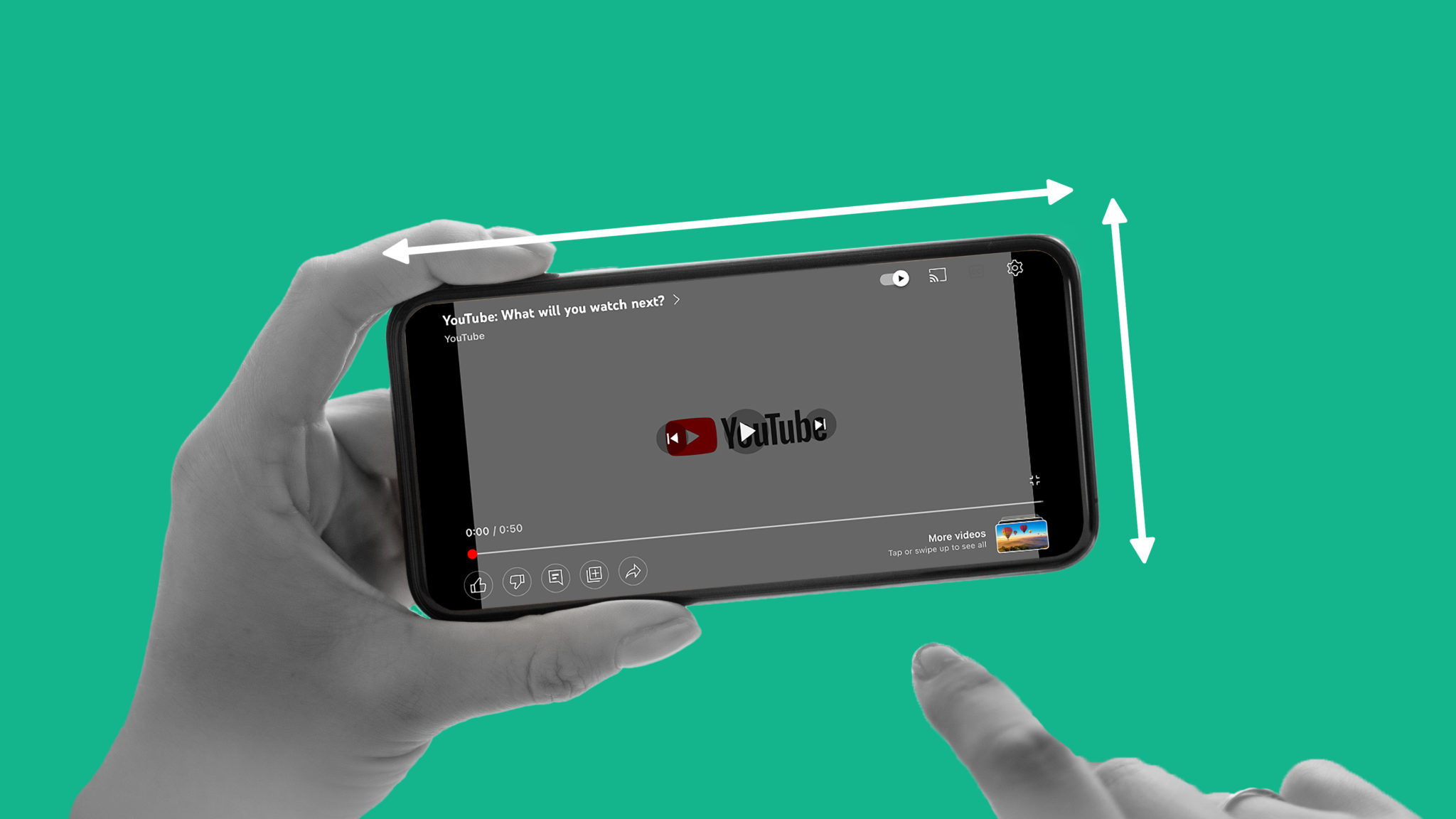
Since the early 2000s, YouTube has been the internet’s biggest video rabbit hole, and in 2026, it’s also one of the most flexible performance channels on the planet. Between in-stream, Shorts, and TV-screen viewing, YouTube can sit comfortably next to your Connected TV buys and your social strategy without forcing you to choose one “primary” screen.
And the reach is still massive. DataReportal reports that YouTube’s U.S. ad reach in late 2025 equaled 73% of the total population and 78.4% of U.S. internet users.
Below, we’ll break down the major placement types and the YouTube video ad specs that matter most, and creative considerations that keep your ads from getting skipped, swiped, or ignored.
Learn more about our AI Video Generator for YouTube.
Benefits of YouTube Video Marketing
With the right YouTube ad specs and video creative, the platform can prove highly valuable for the success of your video marketing campaigns. Some of the benefits of YouTube video marketing include:
- Effectively reach your target audience. YouTube’s targeting and optimization options inside Google Ads let you reach audiences across devices, including phones, desktops, and TV screens.
- Increase brand awareness (without going full “awareness-only”). YouTube’s reach in the U.S. is broad enough to build demand, while still giving performance marketers the controls they’re used to.
- Explain your products’ benefits and use cases. YouTube is still where people go to learn, which means explainers, demos, testimonials, and “how it works” creative can pull double duty: educate and convert.
Learn more about how the YouTube algorithm works.
When it comes to YouTube ad specs, there are five distinct placements across the platform:
Skippable Video Ads
Skippable in-stream is YouTube’s workhorse format: it can run before, during, or after a video, and viewers can skip after five seconds. That means you’re not just buying impressions, you’re competing for attention in real time. If your first beat doesn’t land, your CPM turns into a skip-rate.
Video Ad Specs
- Aspect Ratio: 16:9, 9:16, or 1:1
- Video Length: Any length (viewers can skip after 5 seconds). 15 seconds to 3 minutes is the sweet spot.
- File Type: Upload as a YouTube video (public or unlisted). MP4 is the safest default; other common upload formats are typically accepted.
- Text Limits: Headline/description up to 15 characters; optional CTA text up to 10 characters (where shown)
- Where They Appear: YouTube watch pages (pre-, mid-, post-roll) and eligible video partner inventory across devices, including TV screens
Creative note: Treat the first 5 seconds like a landing page hero. Show the product (or outcome), say the value prop plainly, and make the brand unmistakable before the skip button wins.
Need more inspiration? Check out these YouTube video content ideas.
Non-Skippable In-Stream Video Ads
Non-skippable in-stream ads are the “guaranteed view” option. These are useful when your message needs to land end-to-end. In 2026, this format matters even more because living-room viewing keeps growing, and the TV screen gives you the space to tell a tighter story without fighting the skip button.
Video Ad Specs
- Aspect Ratio: 16:9, 9:16, or 1:1 (note: longer non-skippable TV inventory may require horizontal assets)
- Video Length: Typically 7–15 seconds for standard non-skippable; up to ~30 seconds for eligible TV-screen placements
- File Type: Upload as a YouTube video (public or unlisted). MP4 is the safest default; other common upload formats are typically accepted.
- Text Limits: Headline up to 15 characters; optional CTA text up to 10 characters (where shown)
- Where They Appear: Pre-, mid-, or post-roll on YouTube across devices, including eligible Connected TV placements
Creative note: Don’t confuse “non-skippable” with “no need to hook.” You still need an opening beat. Then use the extra seconds for proof (demo, testimonial, offer) and a clear next step.
Related: How to Get More Views on YouTube
Bumper Ads
YouTube Bumper ads, also called pre-roll ads, are non-skippable short messages delivered before, during, or after a video plays. Even though bumper ads cannot be skipped, still aim to capture attention in the first few seconds to keep your viewer engaged as they wait for their video to begin. Bumper ads are shown on desktops, mobile devices, TV, and game consoles.
Video Ad Specs
- Aspect Ratio: 16:9, 9:16, 1:1, or 4:3
- Video Length: Up to 6 seconds
- File Type: Upload as a YouTube video (public or unlisted). MP4 is the safest default; other common upload formats are typically accepted.
- Text Limits: Headline up to 15 characters; optional CTA text up to 10 characters (where shown)
- Where They Appear: Non-skippable pre-, mid-, or post-roll placements on YouTube across devices
Creative note: One idea. One visual. One takeaway. If you’re trying to explain and persuade and close in six seconds, you’ll do none of them well.
Learn about the best time to post on YouTube.
YouTube Shorts Ads
Shorts are YouTube’s answer to TikTok-style vertical video, and the platform now allows advertisers to run 9:16 video ads directly in the Shorts feed. These placements are full-screen, immersive, and built for mobile-first viewing.
Video Ad Specs
- Aspect Ratio: 9:16 (vertical) is the native fit; 1:1 and 16:9 can work, but vertical is the strongest default
- Video Length: Can be longer in upload, but Shorts behavior rewards <60 seconds; only the first minute is typically what matters in-feed
- File Type: Upload as a YouTube video (public or unlisted). MP4 is the safest default; other common upload formats are typically accepted.
- Text Limits: Shorts placements rely on channel/description-style text fields; keep on-screen text readable and concise since interface text is limited
- Where They Appear: Between organic videos inside the Shorts feed (mobile-first, swipe-to-skip behavior)
Creative note: Start with the payoff, not the setup. Put the product/result in frame immediately, use captions by default, and cut anything that looks like “intro.”
Related: Video Production Process: Complete Guide
In-Feed Video Ads
In-feed video ads (often still called “Discovery”) show up while people are browsing YouTube (Home, Search results, and Watch Next). You’re not interrupting a viewing session; you’re winning a click. That makes packaging (thumbnail and message) just as important as the video itself.
- Aspect Ratio: 16:9 is the safest default for the watch-page experience; 1:1 and 9:16 can work depending on where else the asset is eligible to serve
- Video Length: Any length (this is a click-to-watch experience, not an interruptive placement)
- File Type: Upload as a YouTube video (public or unlisted). MP4 is the safest default; other common upload formats are typically accepted.
- Text Limits: Includes a headline and short descriptive text; exact character limits and what displays can vary by surface/device, so write for clarity even when truncated
- Where They Appear: YouTube Home feed, YouTube Search results, and Watch Next/browse surfaces across devices
Creative note: Your thumbnail is your hook. Treat it like an ad by itself. Clear subject, high contrast, minimal words, and a promise that the first three seconds of the video immediately pays off.
Making YouTube Videos at Scale
Specs may shift year to year, but quality creative is always what drives views. With QuickFrame AI, you can produce YouTube ads that meet every technical requirement and still stand out. Generate on-brand videos with voiceovers, motion, and music, then publish directly to Google Ads Manager for effortless placement across YouTube.
Create YouTube ads that hit every spec and every goal, with QuickFrame AI.
YouTube Ad Specs & Sizes: Final Thoughts
With videos covering just about any topic you can think of (and then some!), YouTube likely has a space for your business. With the right YouTube video ad specs, you can successfully implement the platform into your video marketing strategy.
Need help with other networks? Check out our complete Social Media Video Ad Specs & Placements Guide